
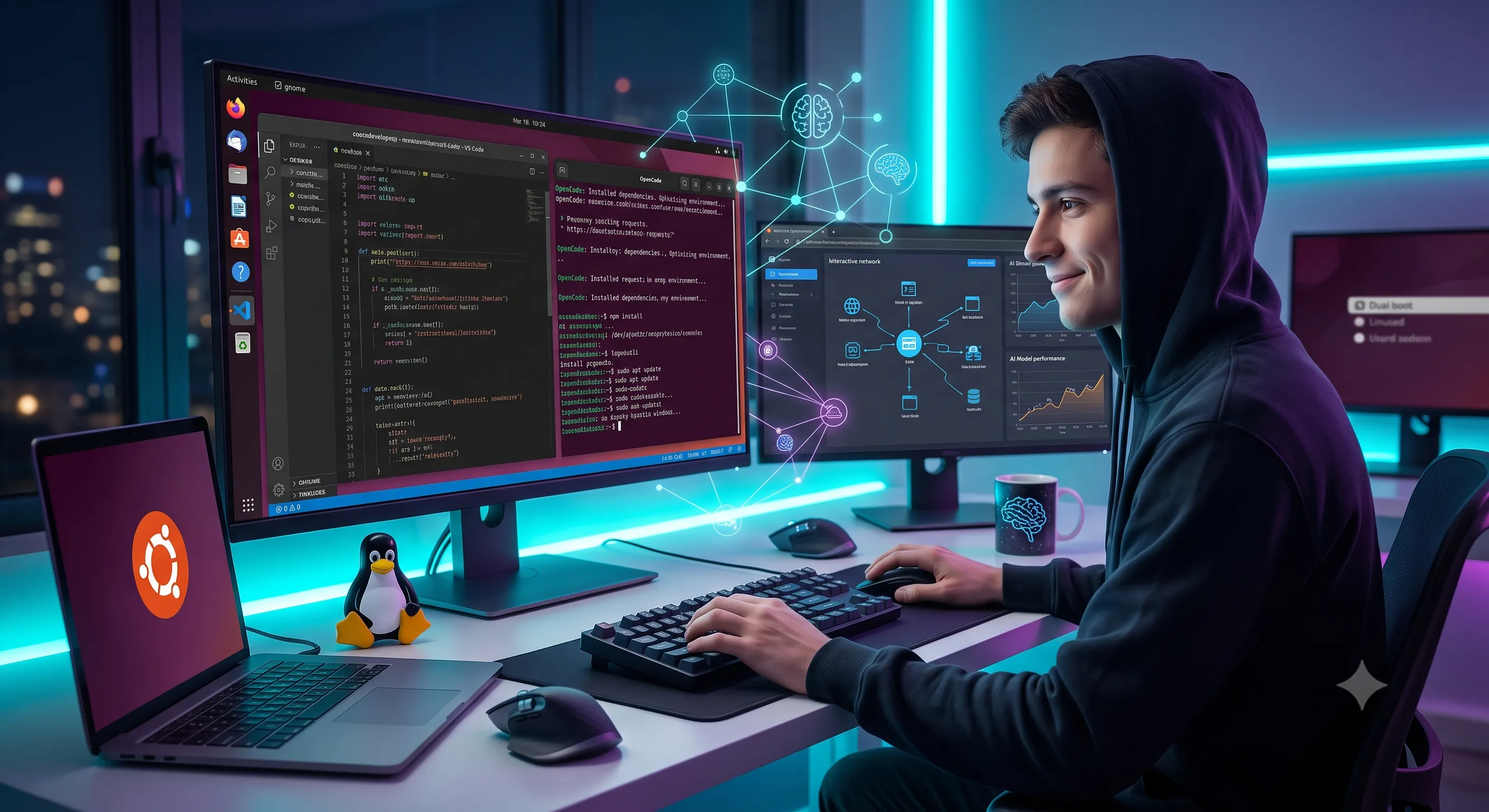
Six months ago, I made a decision that completely reshaped my software engineering workflow: I formatted my main partition, installed Ubuntu Linux, and committed to full-time Linux web development.
For years, like many developers, I stayed on Windows. It wasn’t because Windows was superior for development, but because the fear of Linux’s infamous “system troubleshooting rabbit holes” kept me back. Wi-Fi driver breakages, broken dependencies, display server glitches, and cryptic terminal errors felt like unnecessary friction when all I wanted to do was build software.
Today, I keep Windows on a secondary dual-boot partition just in case I ever need a non-native application. The reality? I haven’t booted into Windows even once since making the switch.
Here is how terminal-based AI tools dissolved the Linux barrier, how my workflow evolved from automated setup to deep system mastery, and why Ubuntu is the ultimate operating system for modern AI web development.
The AI Breakthrough: How OpenCode Erased the Linux Onboarding Barrier
The initial barrier to entry for Linux has always been setup friction. When you fresh-install a distribution, configuring your environment—from installing build essential toolchains to setting up Docker, NVM, and GPU drivers—often takes hours of searching forums and stack traces.
When I installed Ubuntu, I took a different approach. I installed OpenCode, an open-source AI coding agent built directly for the terminal.
The “Magic” Moment: I asked OpenCode in plain English to install and configure my entire development toolchain and system settings. Within minutes—wallah!—the AI agent ran the necessary commands, resolved dependency flags, configured system environment paths, and had my machine fully operational.
Instead of spending my first day reading outdated forum posts, an AI agent handled the heavy lifting right inside the terminal command line.
From AI Reliance to Deep System Understanding
While AI got my machine up and running instantly, I didn’t stay dependent on automated scripts. As I used Ubuntu daily, I naturally began investigating system issues myself first before reaching for an AI agent.
What surprised me most was that troubleshooting in Linux actually became the most engaging part of the operating system.
Unlike closed ecosystems where system errors are masked behind vague error codes and mandatory restarts, Linux is completely transparent. Once you understand:
- What each command does (e.g.,
systemctl,journalctl,chmod,chown,grep) - The logic behind Unix file permissions and process signals
- How system daemon logs explicitly report what failed and why
…debugging stops being frustrating and starts feeling like solving a puzzle. Every resolved issue yields deeper understanding of the operating system powering most of the world’s production servers.
Core Advantages: Why Ubuntu Crushes Windows for AI & Web Development
Moving away from Windows revealed just how much overhead and background noise I had grown accustomed to tolerate.
       UBUNTU LINUX                            WINDOWS
┌──────────────────────────┐           ┌──────────────────────────┐
│ Native Docker & Kernel   │           │ WSL2 Virtualization      │
│ Zero Telemetry Tracking  │    VS     │ Telemetry & Background   │
│ ~1.5 GB RAM Baseline     │           │ ~4-6 GB RAM Baseline     │
│ 100% Free & Open Source  │           │ Proprietary OS License   │
└──────────────────────────┘           └──────────────────────────┘
1. Zero Bloatware & Minimal System Overhead
Windows consumes gigabytes of RAM at idle just running background updates, telemetry services, and pre-installed bloatware. Ubuntu boots into a clean, lightweight desktop environment using a fraction of system resources. Every megabyte of RAM and every CPU cycle is reserved for local LLM inference, local Docker containers, and development servers.
2. Native Docker Execution
On Windows, running Docker requires WSL2 or Hyper-V virtualization layers between your code and the hardware. On Ubuntu, Docker runs natively on the Linux kernel. Container startups are instantaneous, file I/O operations are dramatically faster, and GPU acceleration passthroughs work seamlessly.
3. Open Source, Privacy, and Big Tech Independence
In an era where desktop operating systems are increasingly packed with forced telemetry, data logging, and unwanted ads, Linux stands as a bastion of digital sovereignty. Your data stays on your machine, your operating system is 100% open-source, and you have complete ownership over your file system.
4. Direct Parity with Cloud Production Infrastructure
The cloud infrastructure hosting modern web apps, API endpoints, and AI models runs almost exclusively on Linux. Developing locally in the exact same environment you deploy to eliminates “it worked on my machine” bugs completely.
The Verdict
If you have been holding back on switching to Linux because of the fear of terminal troubleshooting or system setups, modern terminal AI agents like OpenCode have completely changed the game. They bridge the initial learning curve, letting you stay productive from day one while you gradually build true command-line fluency.
I set up dual-booting as a safety net 6 months ago. Today, that Windows partition sits completely untouched—and I have no intention of ever going back.